Your Google Business Profile Is Training AI Right Now. Is It Sending People to You or Your Competitor?
Your Google Business Profile is no longer just a listing. It is one of the public signals AI search systems use to understand, trust, and recommend your local business.
Chris Iglesia
Co-Founder, Truly Authentic Marketing
Here’s the thing most local businesses are missing.
Your Google Business Profile used to be a listing.
Name. Address. Phone number. Hours. A few photos. Some reviews. Boom, you existed on Google.
That was the old game.
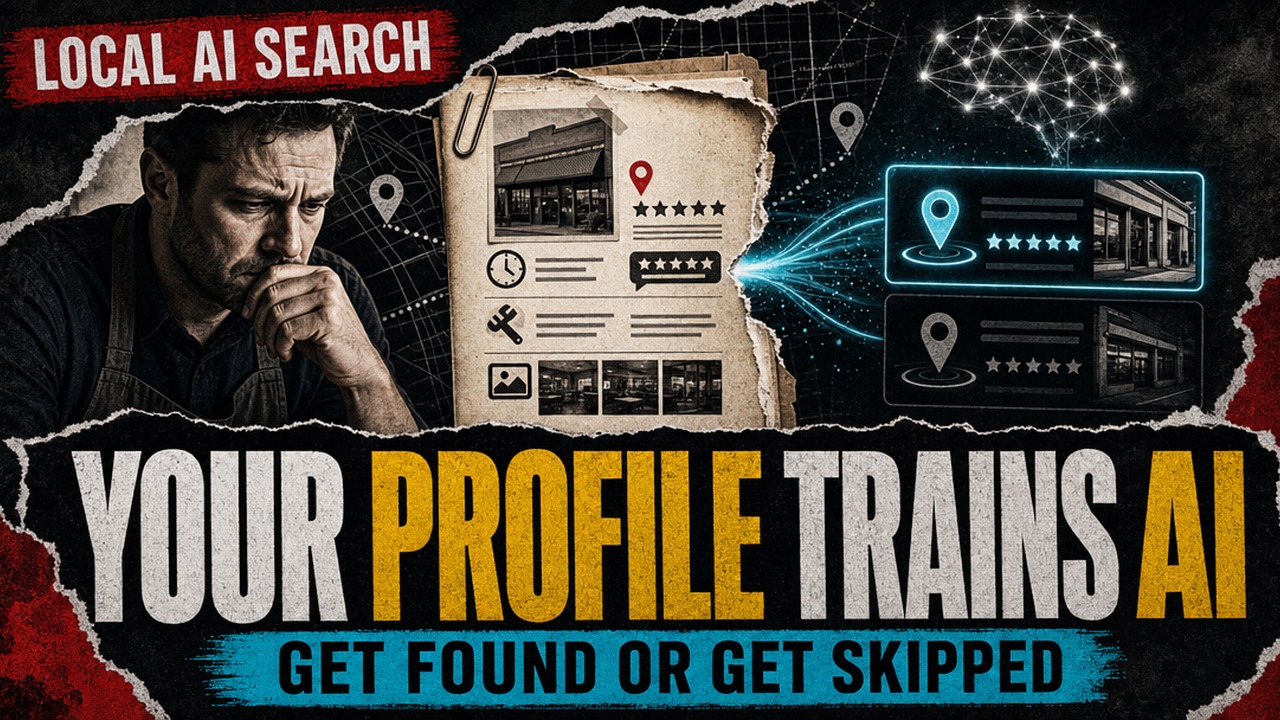
Now your Google Business Profile is closer to an employee file for AI. It tells Google what you do, where you do it, who trusts you, what customers say about you, and whether you are still active enough to recommend.
And real talk, if that profile is thin, stale, or confusing, AI does not send you a warning.
It just sends the customer somewhere else.
That is the part that should wake people up.
A person can search for “best electrician near me,” “emergency plumber open now,” or “med spa that does lip filler near Danbury,” and AI-powered search is increasingly trying to answer the question before that person clicks around.
So the move is not just “rank higher on Google.”
The move is this:
Make your business easy for Google, Gemini, AI Overviews, AI Mode, Maps, and every other answer engine to understand, trust, and recommend.
That starts with Google Business Profile optimization.
And if you treat it like a one-time setup task, you are basically handing the AI a blank resume and hoping it hires you anyway.
Not the move.
Key Takeaways
- Google Business Profile optimization is no longer just a local SEO chore. It is part of how AI understands whether your business should be recommended.
- Google has started bringing Gemini into business workflows, including ways to use Business Profile information like customer reviews for insights and marketing help.
- Google says its AI search features still rely on normal search eligibility and SEO fundamentals. Translation: clear, helpful, indexable, trustworthy content still matters.
- Your profile needs accurate categories, services, hours, photos, reviews, Q&A, posts, and website alignment.
- Reviews are no longer only social proof. They are customer language that helps search systems understand what people actually trust you for.
- The businesses that win this next phase will not be the ones with the most complicated AI stack. They will be the ones with the cleanest, clearest, most active proof.
- If your profile feels only “kind of” clear, take the AI Strategy Quiz or book a Client Success Flow Call so we can show you what to fix first.
What is Google Business Profile optimization in 2026?
Google Business Profile optimization means making your public Google profile complete, accurate, current, and useful enough that both people and search systems understand why your business should show up.
That used to mean “fill out your listing so you rank in Maps.”
Now it means something bigger.
Your profile is part of your local authority system. It supports your visibility in Google Search, Google Maps, AI-powered search experiences, and the other places people go when they want a fast answer instead of a list of ten websites.
This is not theory either.
Google says businesses with complete and accurate information are more likely to show up in local search results. Google also says local results are mainly based on relevance, distance, and prominence.
In plain English: Google needs to know what you do, where you do it, and whether people trust you enough to recommend you.
That matters because this is not some cute little marketing task in the corner.
This is becoming one of the main ways local businesses get seen.
What changed with Google, Gemini, and local search?
Google is making AI more useful inside the tools business owners already use.
In June 2026, Google announced new Gemini features for businesses, including ways Gemini can work with a Google Business Profile to help owners understand customer reviews and get marketing ideas. That does not mean you can ignore your profile and let AI magically fix it.
It means the opposite.
If Gemini is helping you interpret reviews, draft ideas, or understand what customers are saying, the quality of the output depends on the quality of the business information you are feeding it.
Bad profile in, weak recommendations out.
Same thing with search.
Google’s own Search Central documentation says AI features like AI Overviews and AI Mode are built on Google Search systems. Google also says there is no special separate “AI SEO” trick for showing up there. Your content needs to follow normal search guidance and be eligible to appear in search features.
So essentially, the foundation did not disappear.
It got more important.
Because now your website, your Google Business Profile, your reviews, your local pages, your Q&A, your photos, and your business data all work together to teach search systems who you are.
If those pieces agree with each other, you look trustworthy.
If they fight each other, you look messy.
And messy businesses do not get recommended as easily.
Why your Google Business Profile is basically an AI employee now
I am not saying your Google Business Profile is literally an employee sitting at a desk with a little name tag.
But I am saying it does jobs that a good front desk person or sales assistant used to do.
It answers basic questions.
It explains what you offer.
It shows whether people trust you.
It sets expectations before someone calls.
It points people to the next action.
It shows whether you are open right now.
And now, it helps feed AI systems that decide whether your business is worth recommending.
That is employee behavior.
The problem is, most businesses trained that “employee” once three years ago and then forgot it existed.
Old hours.
Outdated photos.
Services missing.
Reviews unanswered.
No posts.
No Q&A.
A website link that goes to a generic homepage instead of a page that explains the service people actually searched for.
Then the owner wonders why the phone is quiet.
Here’s what I want you to see:
This is not about chasing every new AI headline.
This is about taking the public information AI already sees and making it clear enough to trust.
That is the game.
How does AI decide whether to recommend a local business?
AI-powered search is not magic. It is pattern matching against trust signals.
If someone searches for a local service, search systems need to answer a few basic questions fast:
Are you actually relevant?
Your category, services, description, website, and reviews need to say the same thing.
If you are an HVAC company and your primary category is vague, your services are half-filled, and your website buries “emergency AC repair” three pages deep, you are making the machine guess.
Do not make the machine guess.
Tell it exactly what you do.
Are you close enough to help?
Local search still cares about location.
That means your address, service areas, city pages, and local content need to support the geography you want to show up for.
“Serving Connecticut” is not as strong as “serving Danbury, Bethel, Brookfield, New Milford, Ridgefield, and surrounding Fairfield County towns” when those are the places you actually serve.
Specific beats vague.
Every time.
Do real customers trust you?
Reviews matter because humans read them, but they also give search systems language about what customers value.
If your reviews mention “fast emergency repair,” “great with kids,” “explained everything clearly,” “same-day appointment,” or “helped me understand my options,” that is useful context.
That is customer language.
That is the stuff a business owner cannot fake with a generic service description.
Is your information consistent?
Google’s own Business Profile guidance pushes owners to keep profile information complete, accurate, and updated.
That sounds basic because it is basic.
But basic does not mean optional.
If your website says one phone number, your Google profile shows another, your hours are wrong on a directory, and your Facebook page has an old address, you are creating trust friction.
AI does not need more friction.
It needs clean signals.
Are you still active?
A profile with fresh photos, current hours, recent reviews, answered questions, and regular updates looks alive.
A profile that has not moved in a year feels abandoned.
That matters because people do not want a business that might be open.
They want the one that looks ready.
Google Business Profile optimization checklist for AI search
Let’s make this practical.
Pull up your Google Business Profile. We are doing this together.
1. Choose the right primary category
Your primary category is one of the clearest ways Google understands what your business is.
Do not pick the broadest category because it sounds bigger.
Pick the category that best matches the money service you want to be found for.
Then add secondary categories that are true, specific, and relevant.
No stuffing. No “let me add everything just in case.” That is how you make the profile messy.
2. Fill out every service that matters
Your services should not read like a lazy menu.
Bad: “Home services.”
Better: “Emergency furnace repair, AC tune-ups, heat pump installation, indoor air quality testing, and seasonal HVAC maintenance.”
See the difference?
One makes AI guess.
The other tells it exactly where you belong.
3. Make your business description useful
Most descriptions are either boring or stuffed with keywords.
Write it like a human.
Say who you help, where you help them, what you help with, and what makes the experience better.
Example:
“We help homeowners in Danbury and nearby towns get fast, honest HVAC repair without confusing upsells. Our team handles emergency AC repair, furnace service, seasonal maintenance, and indoor air quality checks.”
That is simple.
That is clear.
That gives the system something useful to work with.
4. Treat reviews like training data
Do not just ask for “a review.”
Ask happy customers to mention the service, the problem, and the outcome in their own words.
Not because you are trying to manipulate them.
Because vague reviews do less work.
“Great company” is nice.
“They fixed our furnace the same day in Brookfield and explained the whole repair before charging us” is way more helpful.
That review helps a person trust you.
It also helps search systems understand why you are relevant.
5. Answer every review like a real person
A review response is not just reputation management.
It is another chance to show service, location, and voice.
Do not copy and paste “Thank you for your feedback.” Please. I am begging you.
Say something real.
“Thank you, Maria. I’m glad we could get the furnace running again before the weekend. We appreciate you trusting us with your home in New Milford.”
Simple. Human. Specific.
Boom.
6. Add photos and videos that prove the business is real
Photos help people picture the experience.
They also help Google understand what the business actually looks like.
Add photos of the team, the building, the work, the service area, before-and-after examples when appropriate, products, rooms, tools, vehicles, and anything that helps someone feel like, “Okay, these people are legit.”
This is not about looking perfect.
It is about looking real and active.
7. Seed your Q&A with the questions buyers actually ask
Your Google profile has a Q&A section.
Use it.
Add the questions people ask before they buy:
- Do you offer same-day appointments?
- What towns do you serve?
- Do you handle emergency calls?
- Do you work with first-time patients?
- Do you provide estimates before starting?
- What should I bring to my appointment?
Then answer them clearly.
This is one of those simple things most businesses skip.
That is why it works.
8. Post updates weekly
Google Posts are not Instagram.
You do not need to become a full-time content creator.
But you should use posts to show that the business is active.
Post service tips, seasonal reminders, local updates, offers, FAQs, case examples with no private customer details, and links to helpful blog posts.
One useful post per week beats a month of silence.
9. Make sure the website backs up the profile
Your Google Business Profile should not be the only place that explains what you do.
If your profile says you offer emergency plumbing in Danbury, your website should have a clear page or section that says the same thing.
If your reviews talk about “kids dental cleanings,” your site should make that service easy to find.
If your profile links to a page that does not match the searcher’s need, you are creating a gap.
And gaps cost leads.
What does this have to do with Product Champ and TAM?
This is where most business owners get overwhelmed.
They read a checklist like this and think, “Cool. Another 47 things I need to remember.”
No worries. That reaction makes sense.
The goal is not for you to become a full-time Google Business Profile mechanic.
The goal is to build a growth system that keeps this stuff alive without depending on your memory every week.
That is the Product Champ and TAM angle.
Your business needs a system that helps you:
- turn real expertise into weekly content
- keep your Google profile fresh
- route leads into follow-up
- collect and respond to reviews
- spot missing services or weak profile sections
- create helpful local blog posts and FAQs
- keep the message sounding like you, not like some corporate AI soup
Because here is the thing:
AI is not replacing the work of building trust.
It is rewarding the businesses that make trust easier to see.
The local expert who explains clearly wins.
The business with real reviews wins.
The owner who keeps showing up wins.
The profile that matches the website wins.
The company that turns scattered marketing into one clear system wins.
That is the Gravity Effect in plain English.
Expertise becomes authority.
Authority becomes trust.
Trust creates client pull.
Bada bing, bada boom.
How do you know if your Google Business Profile is ready for AI search?
Ask five questions:
- If AI only read my Google profile, would it understand exactly what we do?
- Would it know where we serve customers?
- Would it see recent proof from real customers?
- Would the website confirm the same services and locations?
- Would a buyer know what to do next?
If the answer is “kind of,” that is the problem.
Kind of clear is not clear.
Kind of updated is not updated.
Kind of trustworthy is not the same as easy to recommend.
And this is where a real strategy call helps.
Not a 40-page report that makes you feel like you need a marketing degree.
A practical visibility check.
What is missing?
What is confusing?
What is outdated?
What should get fixed first?
That is the move.
FAQ: Google Business Profile optimization for AI search
What is Google Business Profile optimization?
Google Business Profile optimization is the process of making your Google profile complete, accurate, active, and useful so people and search systems can understand your business. It includes categories, services, hours, reviews, photos, posts, Q&A, website links, and local business information.
Does Google Business Profile help local SEO?
Yes. Google’s own guidance says complete and accurate business information can help people find your business in local results. Relevance, distance, and prominence still matter, but a complete profile gives Google better information to work with.
Can Gemini use my Google Business Profile?
Google has announced Gemini features for businesses that can work with Google Business Profile information, including customer review insights and marketing support. The safer way to think about it is this: the better your Business Profile data is, the more useful AI-powered support can become.
Do I need a special AI SEO strategy for AI Overviews or AI Mode?
Google says there is no separate magic process for AI features. Your pages and content need to follow Google Search fundamentals and be eligible for search features. That means clear, helpful, accurate, indexable content still matters.
How often should I update my Google Business Profile?
At minimum, check your profile weekly. Keep hours current, respond to reviews, add fresh photos, answer new questions, and publish useful posts. If your business has seasonal offers, changing hours, new services, or events, update it more often.
What should I put in my Google Business Profile services?
Use real services people search for and describe them in plain language. Include the problem, the service, and the location when it makes sense. Avoid vague service labels and do not add services you do not actually provide.
What is the fastest way to find gaps in my Google Business Profile?
Run a simple audit. Compare your category, services, reviews, photos, Q&A, hours, website link, and local landing pages against the questions buyers actually ask. If those pieces do not line up, start there.
Want help turning this into a real growth plan?
If you want to know what your Google Business Profile, website, reviews, and follow-up system are teaching AI right now, start with the AI Strategy Quiz.
It will help you see which part of your growth system needs attention first.
If you already know you want a human to look at it with you, book a Client Success Flow Call. We will look at the gaps that may be costing you visibility: missing services, weak review language, outdated details, profile-to-website mismatches, and places where your business is making AI work too hard to understand you.
No magic-button nonsense.
Just a clear next step so your business can get seen and become the go-to expert in your area.
That is the move.
Sources and further reading
- Google: Gemini features for businesses
- Google Search Central: AI features and your website
- Google Business Profile Help: Improve your local ranking on Google